
645DF WikiKnowledge for your workshop

Projects and inventory movements

Documentation · 4 November 2026

Based on project documentation; availability and labels depend on your installed version.

Complete English guide. Screenshots show the German interface; their captions are translated.

  1. Select Create project.
  2. Open Use component within the project.
  3. Enter and book the actual quantity.
  4. Check remaining stock and the journal entry.
  5. Return unused items with the return action.

Booking usage reduces inventory immediately; returning items restores it. Distinguish actual consumption from planning estimates.
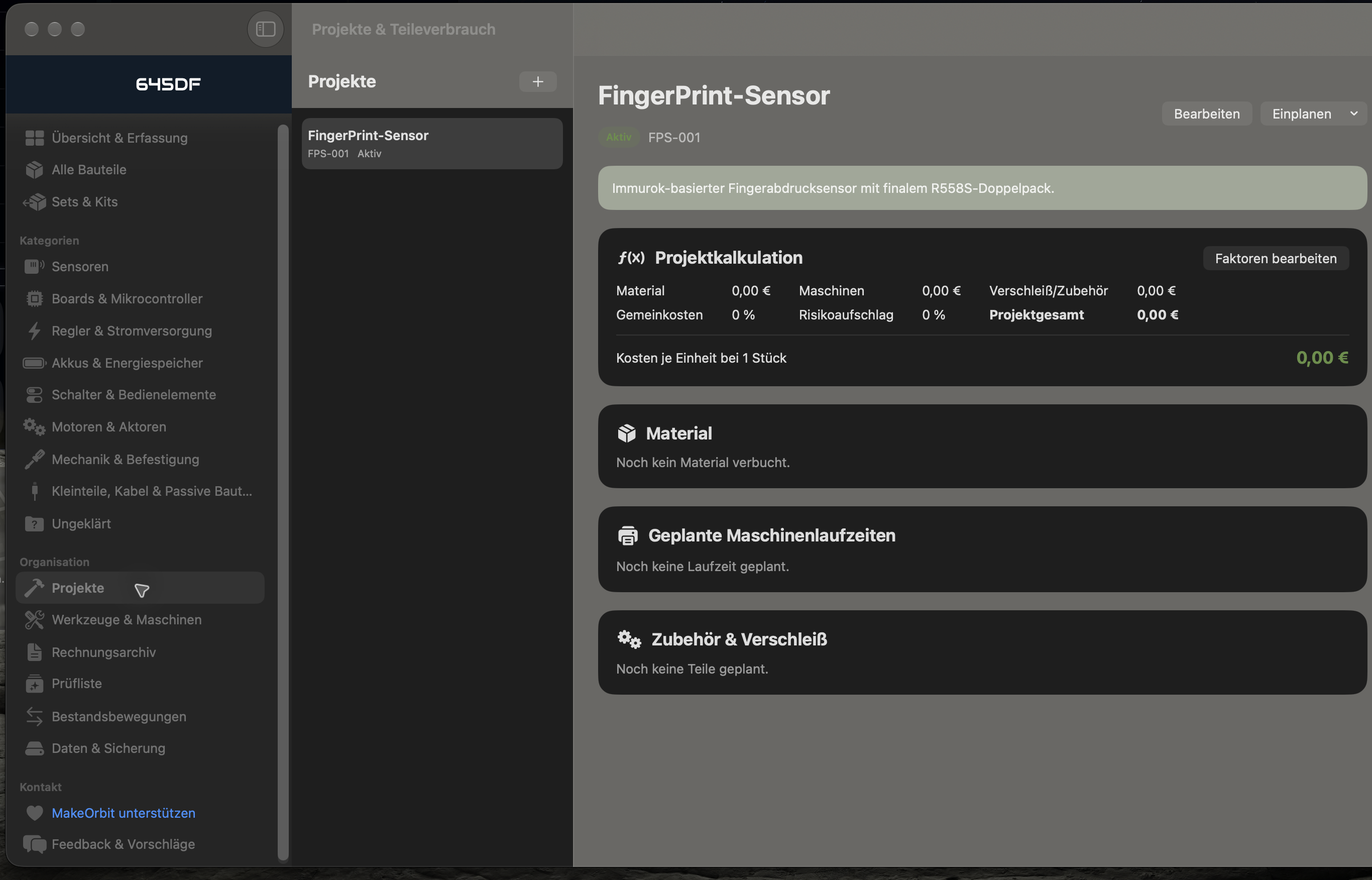
Projects, German interface